Image and text to video
Turn a prompt, product image, or story idea into an AI-assisted video draft.
 FilmoraAI Video EditorContactMobile AI video editor
Filmora combines AI video generation, auto cut, dynamic captions, music, templates, and classic timeline editing for creators who need polished videos fast.
100M+
Google Play downloads
4.7
App Store rating
#7
Top grossing video editors on Google Play
Filmora
AI editing desk
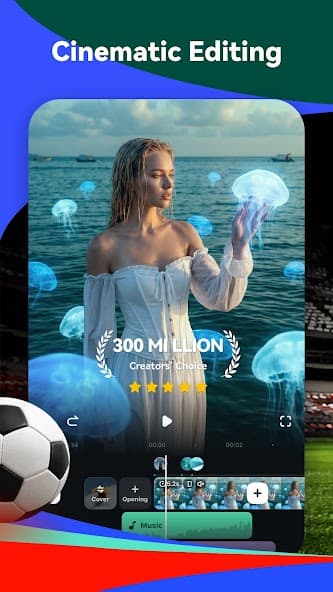
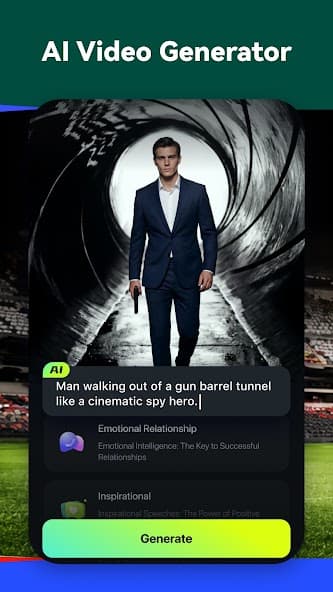
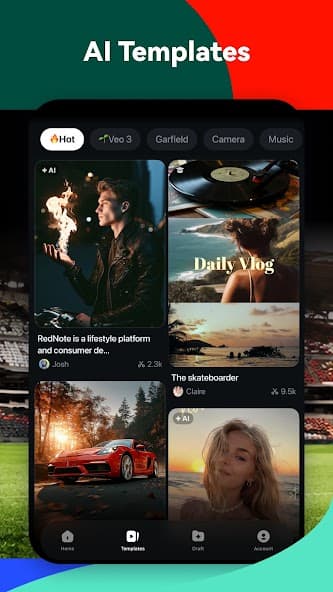
Timeline mix
AI prompt + captions + music + export
AI suite
Use generation for ideation, captions for accessibility, cutouts for cleanup, and timeline tools when the edit needs human control.
Turn a prompt, product image, or story idea into an AI-assisted video draft.
Find highlight moments and shape them into faster social edits.
Generate word-by-word captions from audio and tune videos for muted viewing.
Remove distractions, isolate subjects, and rebuild backgrounds for cleaner edits.

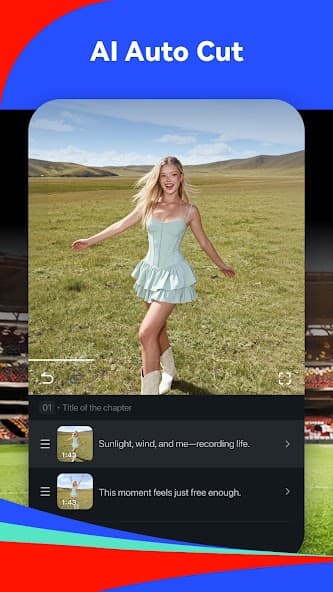
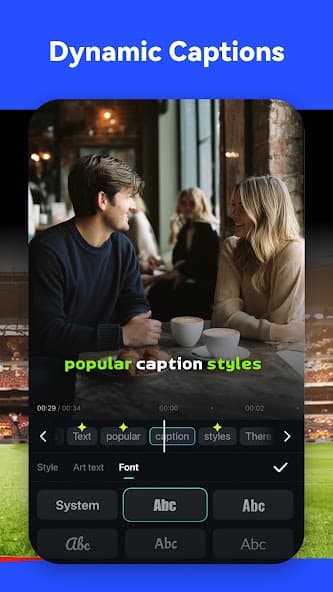
Timeline control
Stack clips, captions, effects, music, stickers, and AI assists without turning every project into a desktop production.
Review note
AI edits still need human judgment before export.
Confirm rights, music use, caption accuracy, likeness permissions, claims, safety, and platform fit before publishing a generated or edited video.
Creator path
Filmora workflow is practical: import, edit, review, and export, with AI in the parts where it saves time.
Bring in clips, photos, product shots, or a prompt that describes the video you want.
Use timeline tools, templates, AI cutouts, captions, music, and effects to shape the piece.
Check accuracy, rights, audio, captions, safety, and platform fit before export.
Export vertical reels, vlogs, ads, shorts, and social-ready content in the format you need.
Support desk
Contact, refunds, privacy, and account deletion guidance are available without digging through store listings.
Support email
For account, generation, export, purchase, or bug questions, contact filmorago@wondershare.com.
Email supportRefunds
Apple App Store and Google Play purchases are reviewed through the marketplace where the purchase was made.
Refund policyAccount deletion
Where accounts are available, deletion can be started from the app's account, profile, or settings area.
Privacy detailsStart editing